[This is a continuation of the exploration of the FileMaker Hacks logo design process we began in part 1.]
I was impressed with the first color example the designer, Nick Henderson, showed me…

…but I was absolutely floored by what he came up with next. Nick’s comments appear in italics.
10/5: Refinement
I find I solidly prefer the upper case ‘H’ and have proceeded with refining that.
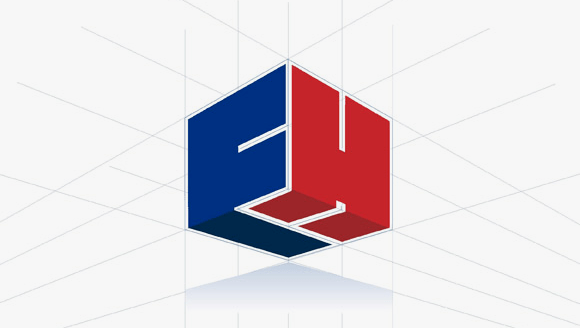
I also changed the angle and perspective in ways that made more sense to me. If you prefer the equidistant 2D representation with 3 equal faces, I can do that easily enough. The reason I changed it is because this angle elevates the symbol. The other was like an omniscient view – which only works if you’re looking down into the FM box, or treating the FM as a toy block as if you were the child playing with it. This one has more ego, the draft sketch has more generosity – thus the switch from lowercase to uppercase as well. (The perspective lines are still to be removed – I left them in to illustrate what I’m doing.)
I immediately responded, “I love it. This *is* the logo, no doubt about it.”
10/6: Type choices and treatments:
Note: You’ll note a subtle shadow beneath the logo. If you like it, I can do the same treatment to the type – though it was too time-consuming to apply it to every sample at this stage.
Types 1:
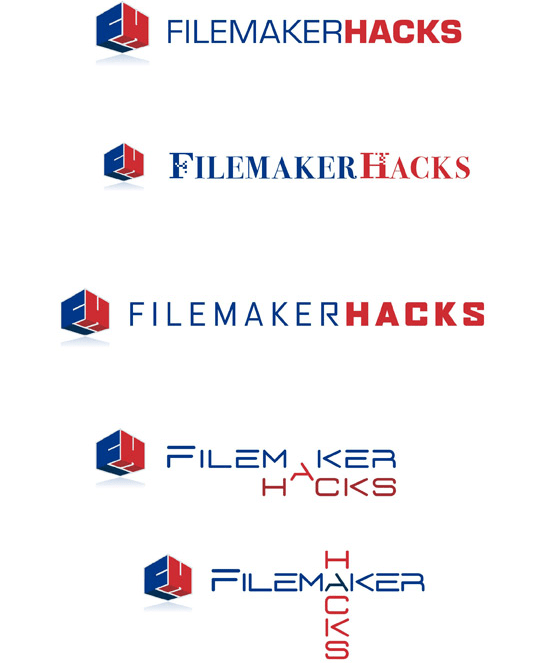
Types 2:
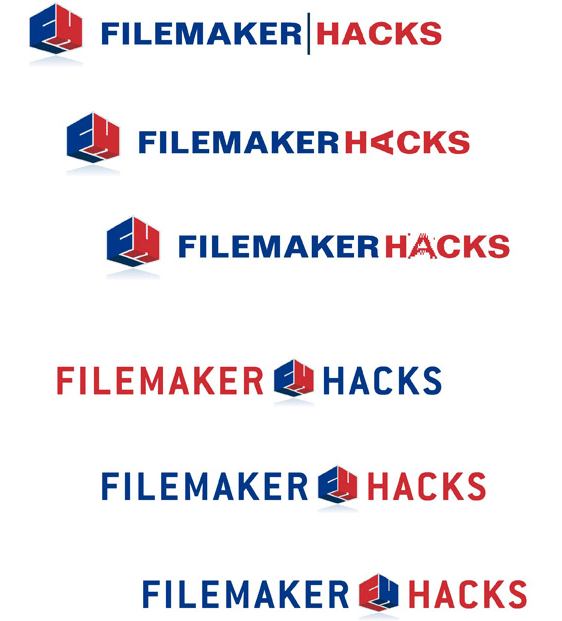
At this point I asked to see the logo with a lower-case font as per the original sketch.
10/7: Lower Case Type
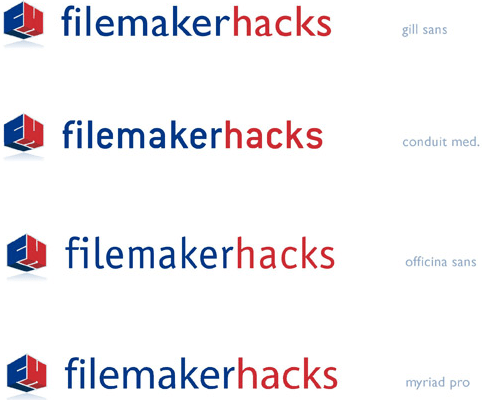
I decided I liked Officina Sans best, and requested a number of specimens, with varying degrees of kerning (intraletter spacing).
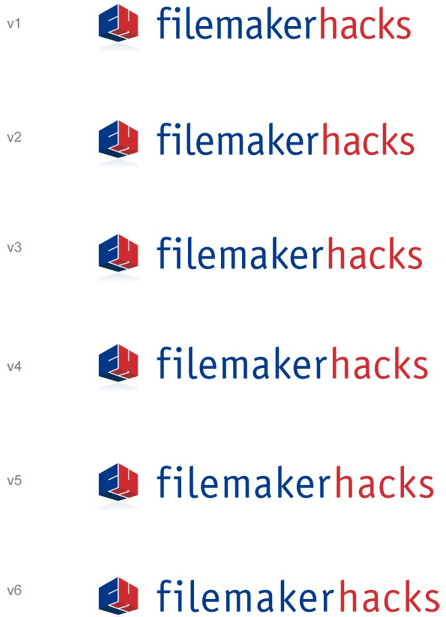
Once I’d settled on the amount of overall kerning I wanted, we then did a couple more iterations to tweak the kerning between some of the individual character pairs. Here are the final versions.
And here is a nice big version of just the logo.